
The BearMinion for the bare minimum.
Inline website editing that doesn't insult your wallet. Click any text, change it, and let the minion dump it into your repo.
Ships as pure static HTML for $0/month!
Sorry, enterprise CMS sales teams.
npm create bearminion@latest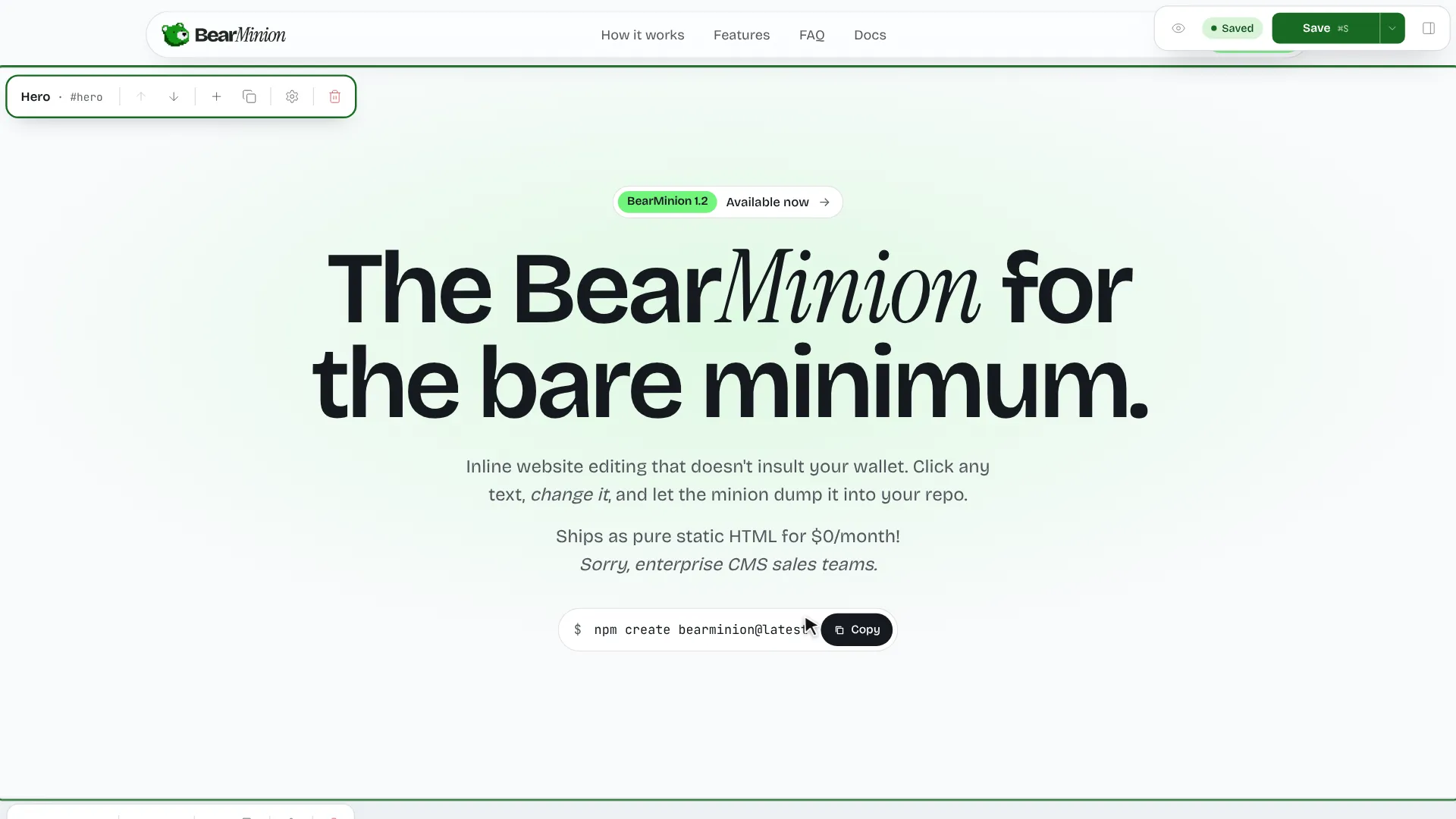
Why BearMinion
What is BearMinion?
A git-based CMS for Astro. Edit your site on the page, save to JSON in your repo, ship static HTML.
Quick
One command sets up the site and the editor. You're editing your first page before your coffee cools down.
Easy to use
Click the text on the page and type. No admin panel, no forms to learn, nothing to train your client on.
Customizable
Sections are Astro components with a schema. Add your own, restyle the ones you have, keep your Tailwind setup.
No database
Content is JSON files in your repo. Nothing to host, back up or migrate. Git is the history.
What you can change
Edit the page, not a form about the page.
The editor reads your theme's own schemas, so it can only write content your site actually renders. No orphan fields. No mystery settings.
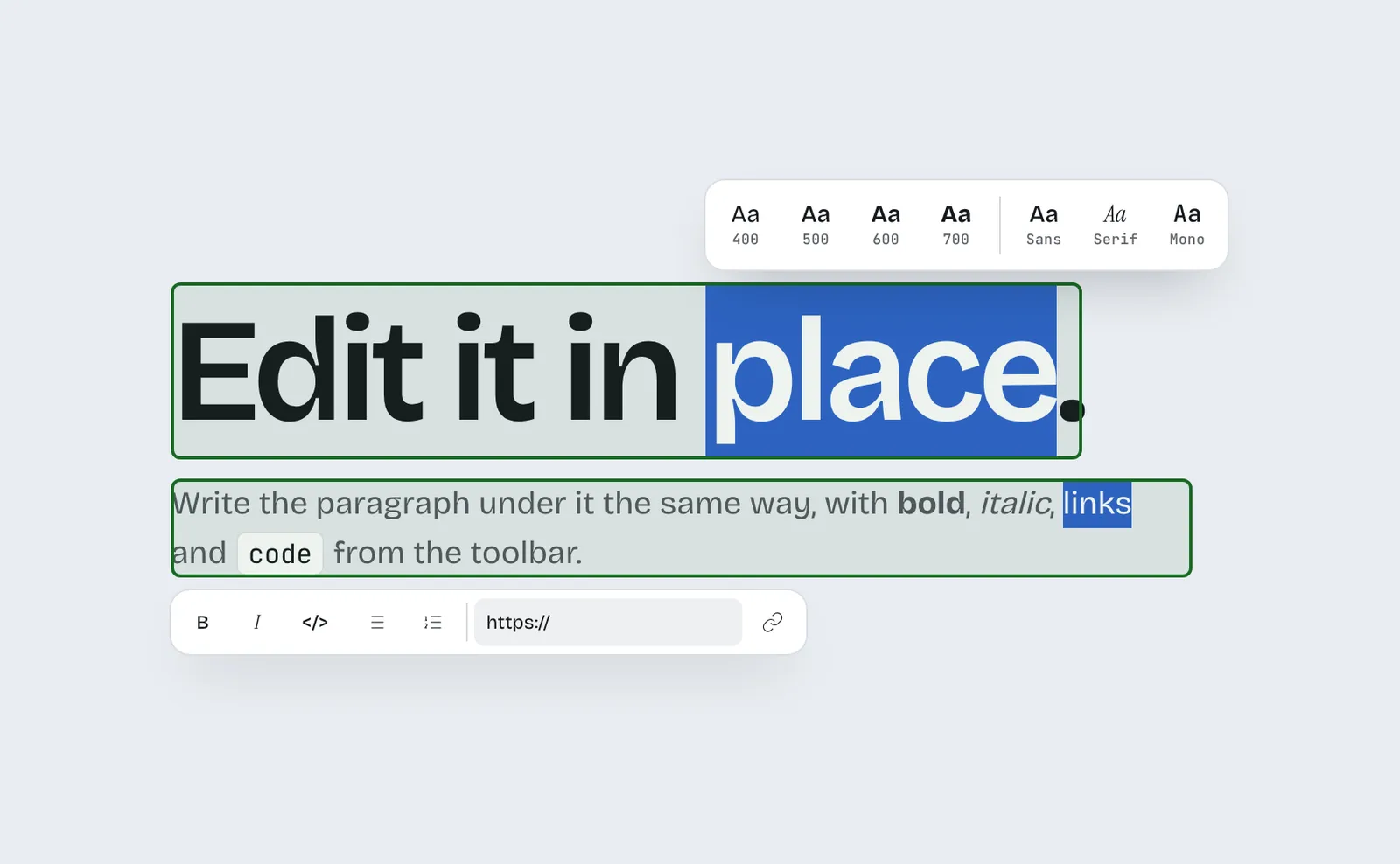
Text, in place
Click a heading and type. Bold, italic, links and lists are stored as a tiny markdown subset, not a blob of HTML.
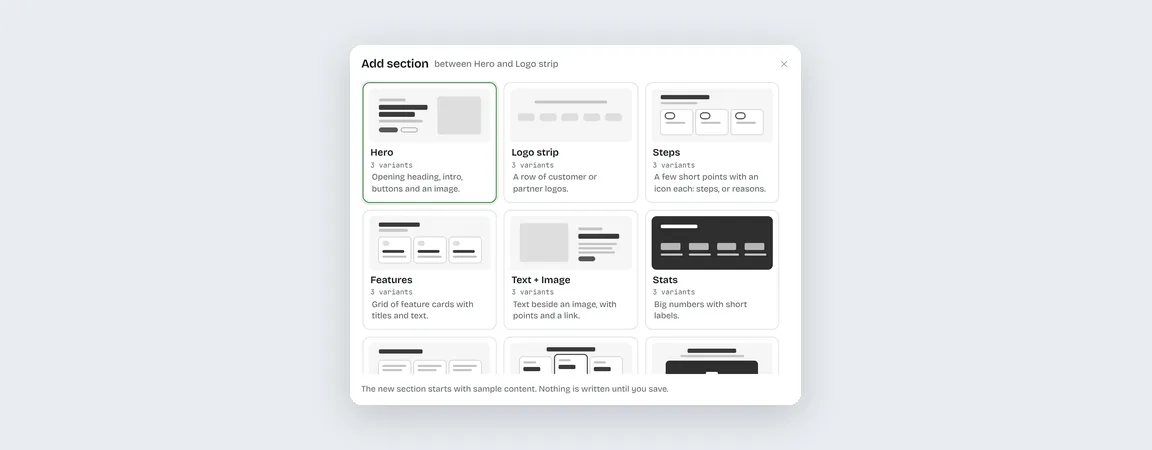
Sections
Add them from a visual picker, reorder them, and switch each one between three layouts and four tones. No page-builder hangover.
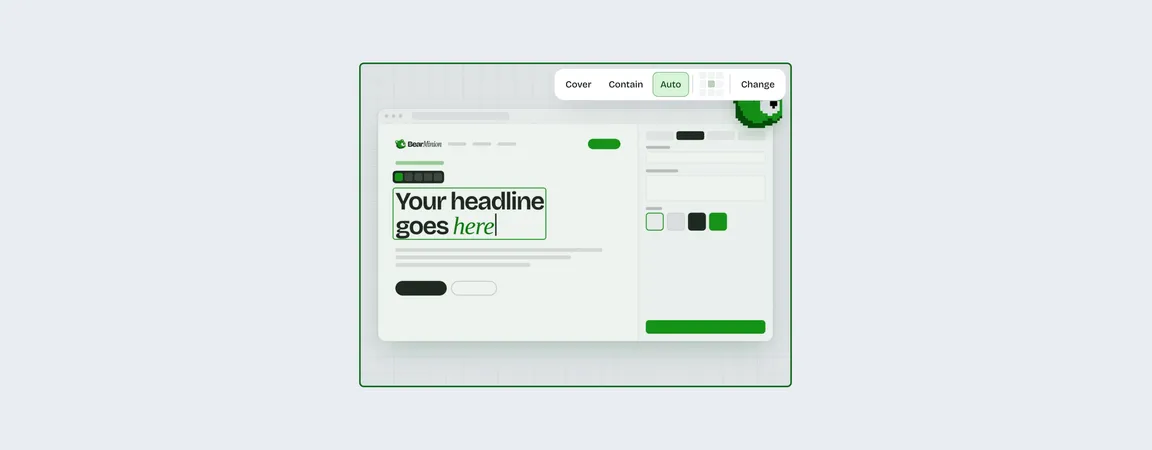
Images
Upload once, reuse from the library, set fit and focal point. Your logo and social image live there too.
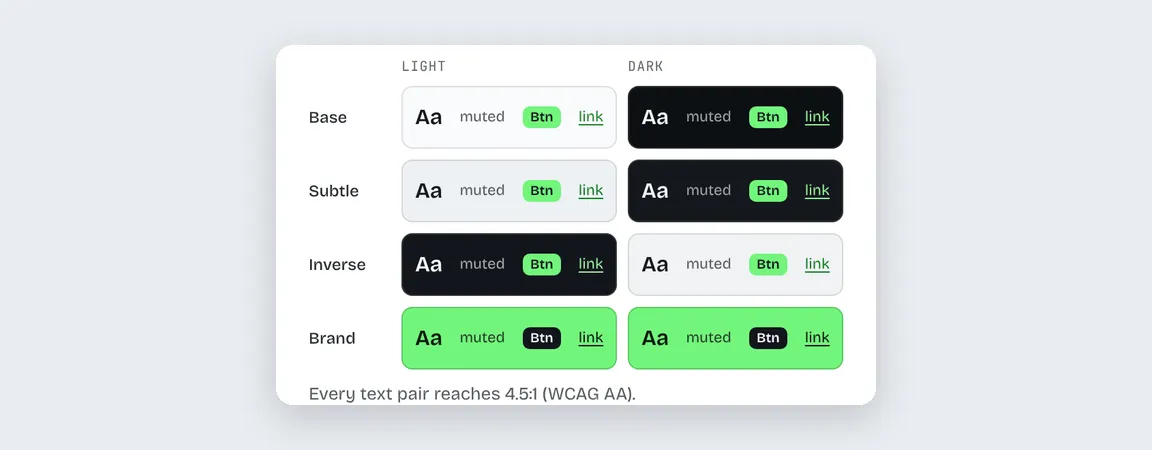
Palette
Pick three colors. The theme derives the rest and checks contrast against WCAG, so nobody squints.
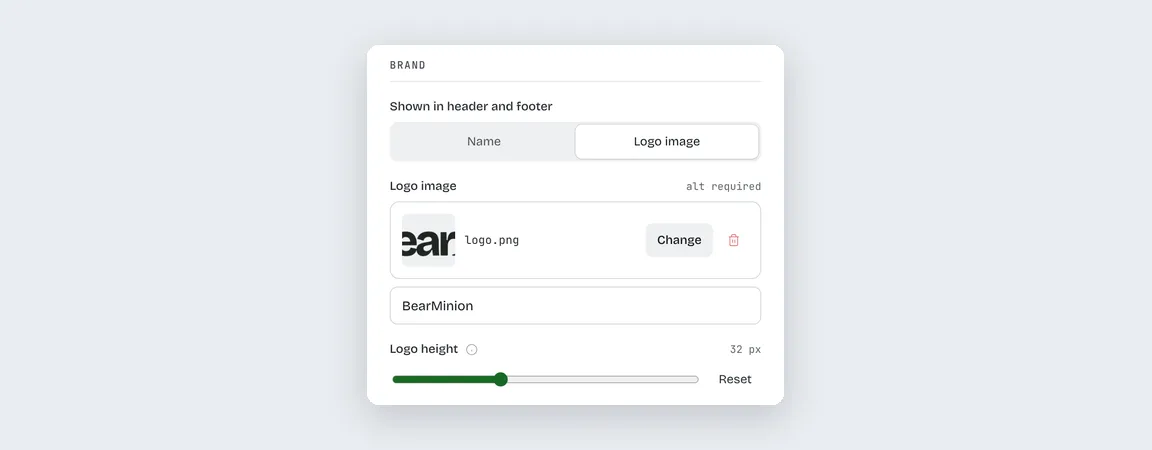
Navigation and SEO
Nested menus, the footer, and a title, description and social image for every page. The boring parts, handled.
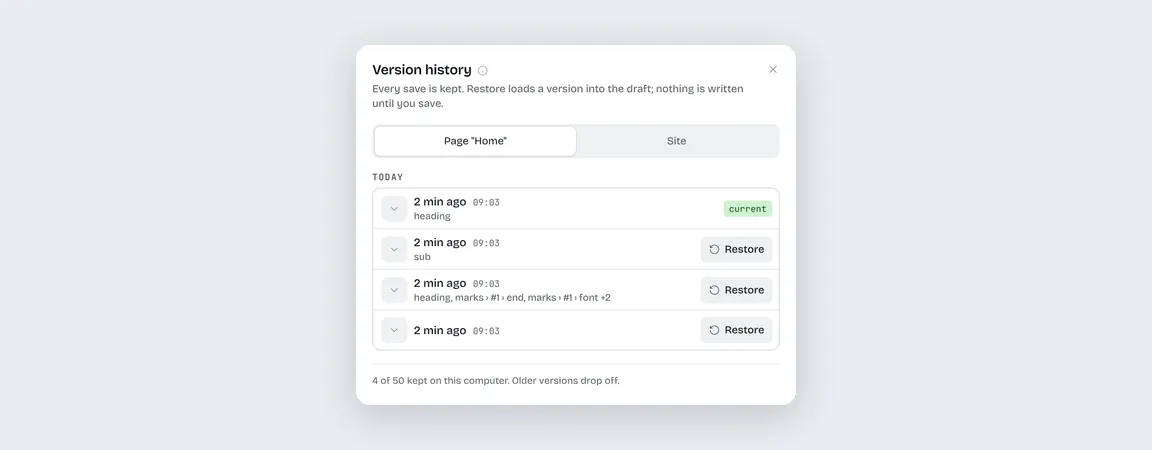
History and git
Every save is kept, with undo and redo. Turn on git and Save commits the changed files. It never pushes. That part is your call.
In the box
Everything you need, out of the box.
- section types to build pages from
- 13
- layouts, three for every section
- 39
- color tones, each contrast-checked
- 4
- licensed: free, and yours to change
- MIT
In your repo. One JSON file per page in content/pages/, the site settings in content/site.json, images in src/assets/uploads/. Review it in a pull request like any other change.
No. The editor and its API exist only in astro dev. Production gets a static build with no editor, no server and no database to poke.
Anyone with the repo cloned and the dev server running. The editor only answers your own machine, so other sites and your coworker's laptop can't touch your content. Editing a live site without a clone is planned.
Yes. Once the site is created, the template is yours: change its components and styles, or add a section type with a schema, defaults and a component. The editor picks it up. See Building a theme.
Anywhere that serves static files: Vercel, Netlify, Cloudflare Pages, GitHub Pages or a server in your closet. The host runs npm run build and publishes dist.
Nothing. It is MIT licensed, and the site it creates is yours. Keep the $99 a month.
Wake the minion.
Run one command, answer three boring questions and watch it do the rest. Template copied, dependencies installed, first commit done.
Now it gets out of your way so you can actually work.
- npm create bearminion@latest
- Created My Site in my-site
- Installed dependencies
- →Next: cd my-site, npm run dev, then Ctrl+E